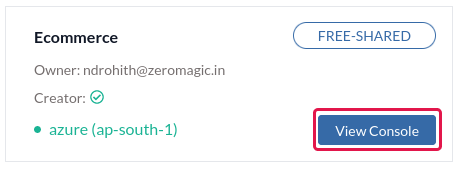
View Console button to open the Project Console in your browser.
Methods section on the sidebar of the project console.
Connection 1: Email & Password
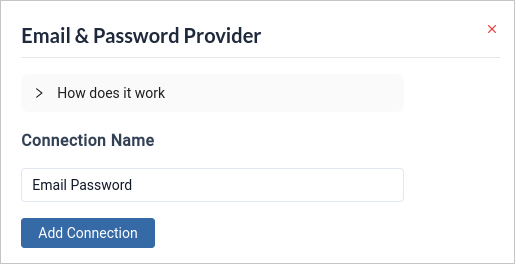
Navigate to the Providers tab and selectEmail & Password. This action will prompt the configuration form to appear. Click on Add Connection to easily link your connection to the platform with just a single click.
Connection 2: Email & OTP
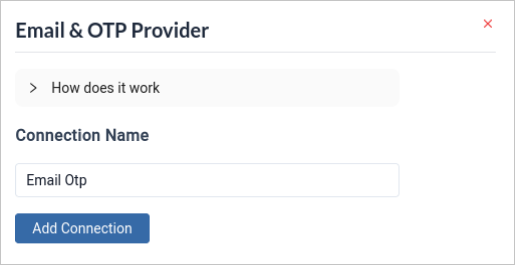
Navigate to the Providers tab and selectEmail & OTP. This action will prompt the configuration form to appear. Click on Add Connection to easily link your connection to the platform with just a single click.
Connection 3: Mobile & OTP
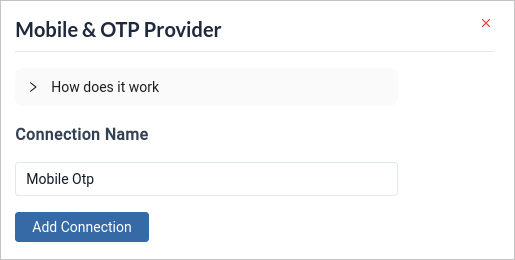
Navigate to the Providers tab and selectMobile & OTP. This action will prompt the configuration form to appear. Click on Add Connection to easily link your connection to the platform with just a single click.
Twilio Integration must be configured to use this basic connection.
Connection 4: Username & Password
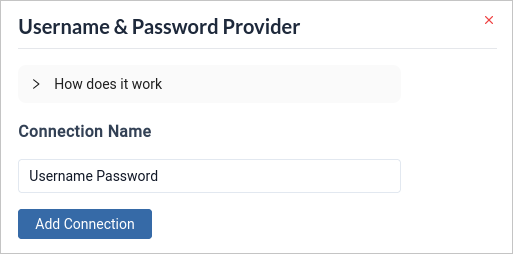
Navigate to the Providers tab and selectUsername & Password. This action will prompt the configuration form to appear. Click on Add Connection to easily link your connection to the platform with just a single click.