

-
Within your Zeromagic project console, navigate to the
GraphQLsection. Click on theCreate GraphQLbutton to create a GraphQL API instance for your application. This action will prompt a form to appear, allowing you to define the API details. - Provide a suitable name and API Route for the API that aligns with its functionality.
The URL for your GraphQL API will automatically include
graphql/ at the end. You don’t need to specify this part in the configuration.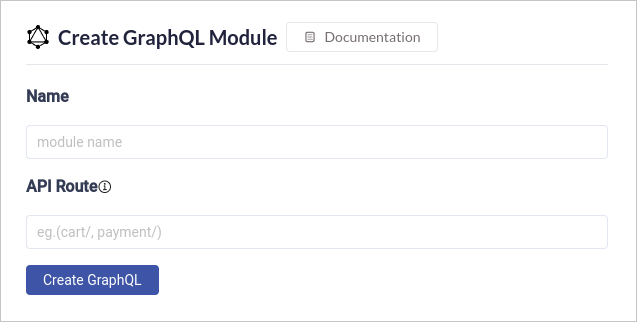
- Click on the
Create GraphQLbutton to generate the new API. Once API is created this will take you to the GraphiQL page.
GraphiQL
Within your Zeromagic project console, navigate to theGraphQL section. Locate the specific GraphQL module you want to configure for your application. Clicking on it will take you to the GraphiQL page.This GraphiQL page is where you’ll configure and manage your data Dataconnectors. These connectors act as bridges between your GraphQL endpoint and your actual data sources (databases, APIs, etc.).