

Create Module
- To create a new module, head to the SERVICES section in the project console.
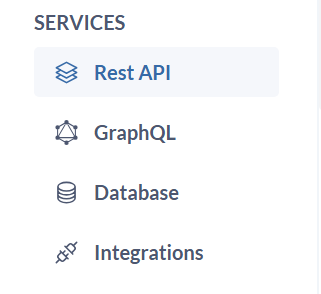
- Click
Rest APIorGraphQLand this will typically launch a form to define your module’s details. - Enter a
nameandapi paththat identifies the purpose and functionality of this module (e.g., “payments/,” “product-catalog/”).
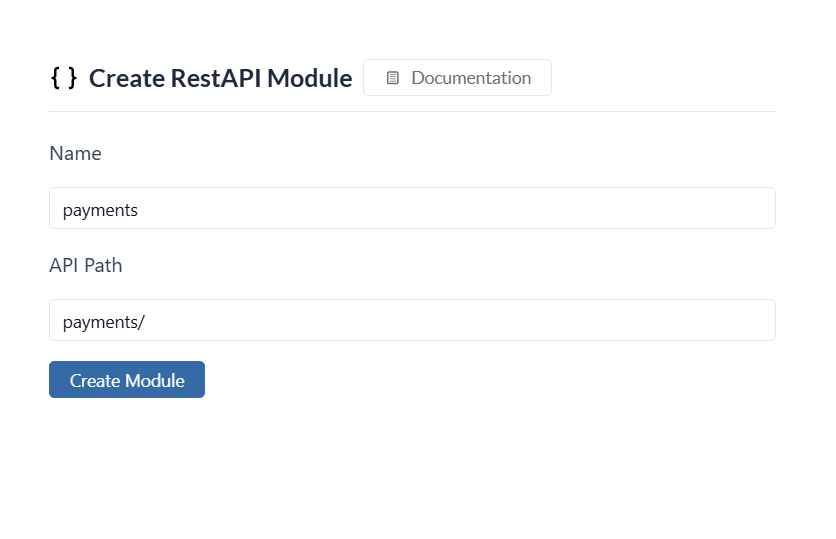
-
Click on
Create Moduleand your module will be created. - Once created, you can start adding API routes and GraphQL APIs to the module as needed.
Supported API Architecture
Restapi
Get started with Zeromagic’s core concepts and building blocks in minutes. Learn how to get started with your project
GraphQL
Learn how to create and manage RESTful APIs to perform CRUD operations on your data from various applications