

- To create a new module, head to the Modules section in the project console.
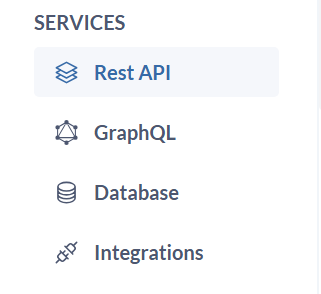
- Click
Create Moduleand this will typically launch a form to define your module’s details. - Enter a
nameanddescriptionthat identifies the purpose and functionality of this module (e.g., “user-management,” “product-catalog”).
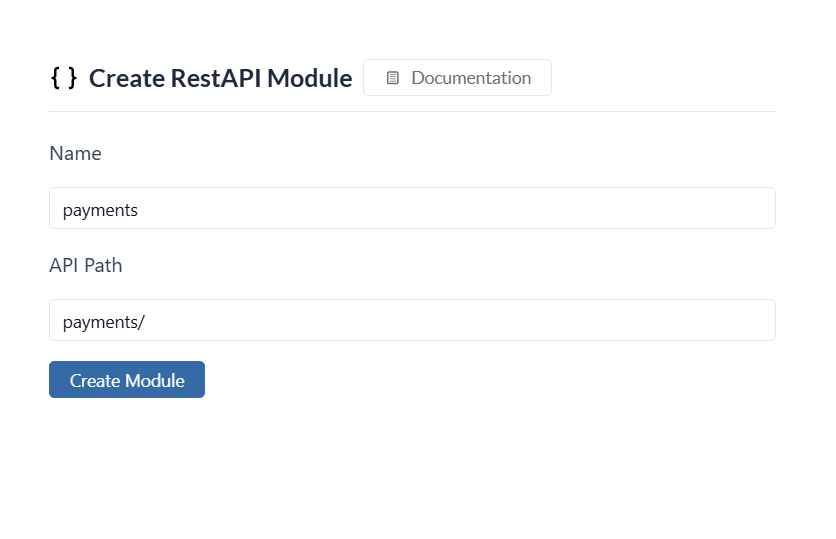
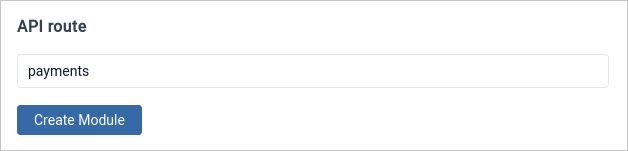
- Specify a common
API routefor the module. This will serve as the base URL for all API endpoints within the module. - Click on
Create Moduleand your module will be created.
- Once created, you can start adding API routes and GraphQL APIs to the module as needed.