> ## Documentation Index
> Fetch the complete documentation index at: https://nocode-docs.zeroagent.io/llms.txt
> Use this file to discover all available pages before exploring further.
# Quickstart
* To create a new module, head to the **Modules** section in the **project console**.
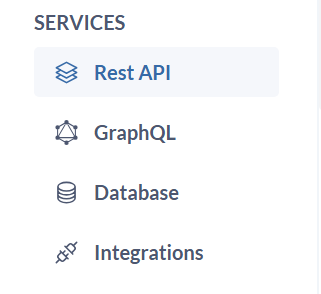 * Click `Create Module` and this will typically launch a form to define your module's details.
* Enter a `name` and `description` that identifies the purpose and functionality of this module (e.g., "user-management," "product-catalog").
* Click `Create Module` and this will typically launch a form to define your module's details.
* Enter a `name` and `description` that identifies the purpose and functionality of this module (e.g., "user-management," "product-catalog").
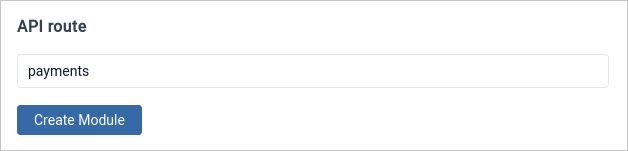
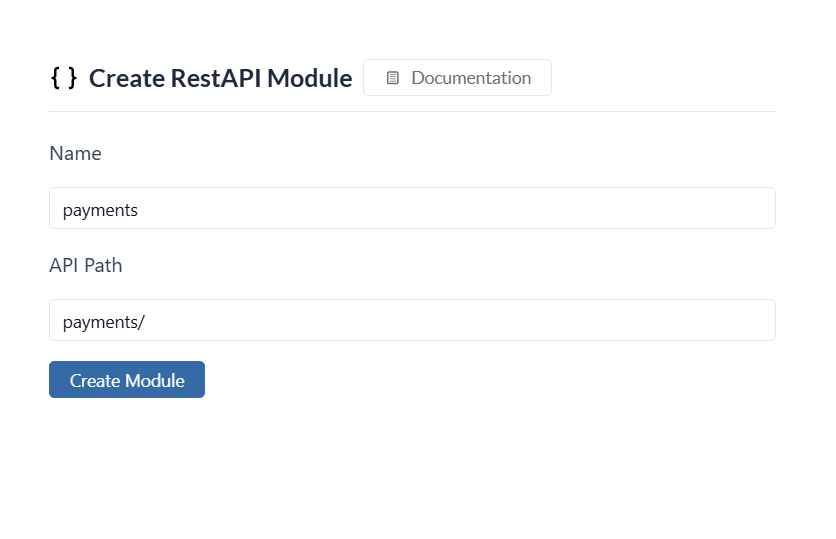 * Specify a common `API route` for the module. This will serve as the base URL for all API endpoints within the module.
* Click on `Create Module` and your module will be created.
* Specify a common `API route` for the module. This will serve as the base URL for all API endpoints within the module.
* Click on `Create Module` and your module will be created.
 * Once created, you can start adding API routes and GraphQL APIs to the module as needed.
### Supported API Architecture
Here, you can find the list of supported [API Architectures](/basics/modules/introduction#supported-api-architecture).
### Quick Links
1. [Constructing Url Patterns](https://www.google.com/support/enterprise/static/gsa/docs/admin/current/gsa_doc_set/admin_crawl/url_patterns.html)
* Once created, you can start adding API routes and GraphQL APIs to the module as needed.
### Supported API Architecture
Here, you can find the list of supported [API Architectures](/basics/modules/introduction#supported-api-architecture).
### Quick Links
1. [Constructing Url Patterns](https://www.google.com/support/enterprise/static/gsa/docs/admin/current/gsa_doc_set/admin_crawl/url_patterns.html)